
Skip to content
Program4Pc home
Audio Editor app icon

Audio

Audio Editor

Edit. Enhance. Create. Complete control over your sound.

Record, edit, mix, and enhance audio with multitrack editing, professional effects, and flexible format support.

Windows only

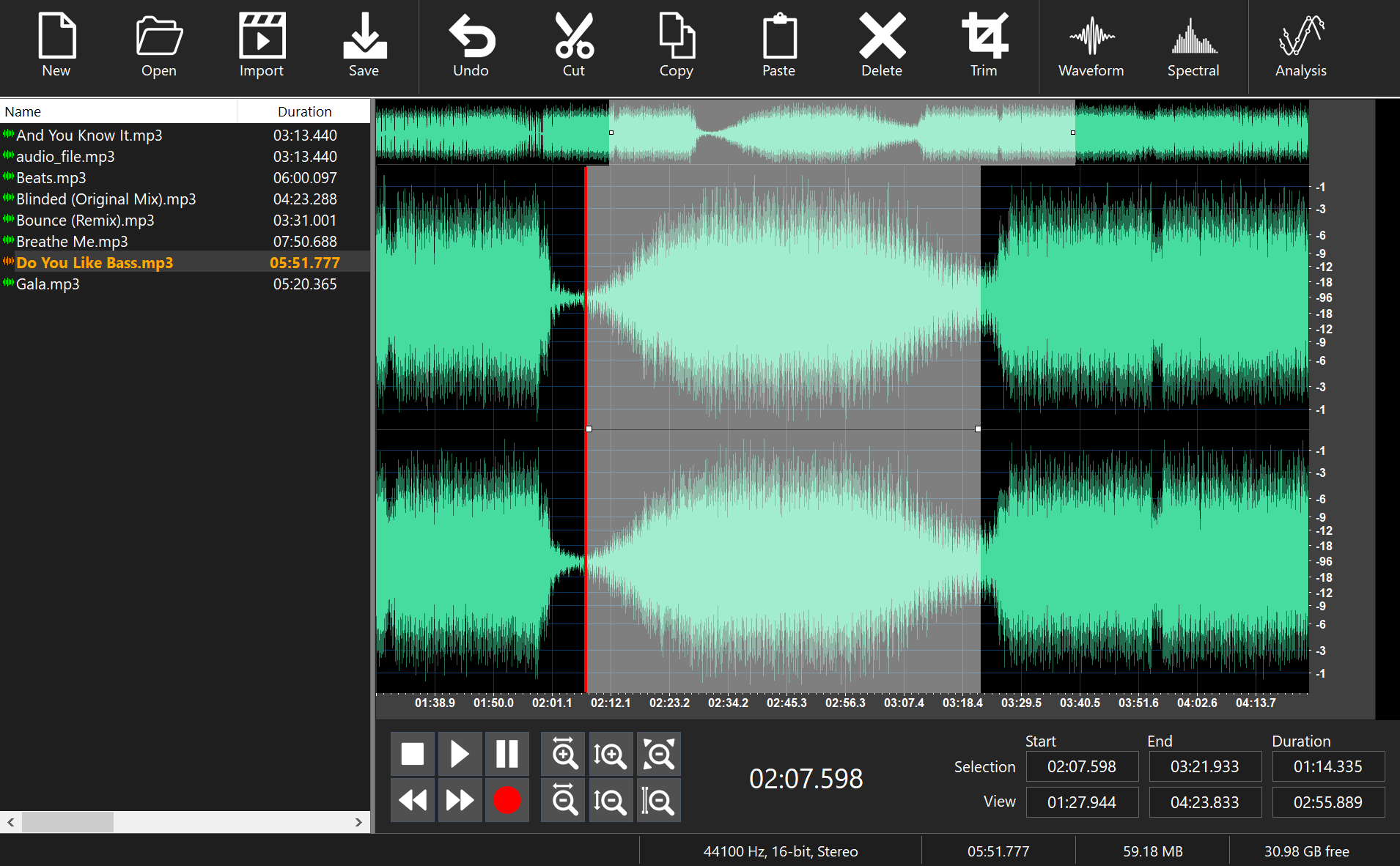
Audio Editor displaying a stereo waveform with a selected region, a list of audio files, and editing tools such as cut, trim, and spectral view

Overview

Complete control over your sound

Audio Editor is an easy-to-use, multi-track audio editor and recorder for Windows. Open a file, edit it with powerful effects and tools, and save it in the audio format of your choice.

  • Edit Audio

    Cut, join, split, trim, delete parts, and mix audio files.

  • Filters and Effects

    Apply built-in effects, filters, and VST plug-ins with real-time preview.

  • Record Sound

    Record voices, music, and audio from any input source.

  • Extract Audio from Video

    Extract audio from video to MP3, WAV, M4R, AAC, or WMA.

  • Convert and Compress

    Convert and compress audio files, with batch conversion.

  • Download Music Clips

    Download online video to MP3 format.

Key features

Everything you need to work with audio

Audio editing

  • Cut, join, split, trim, delete parts, and mix audio files
  • Edit audio tags and update song information
  • Spectrogram view mode for visualizing frequencies
  • Supports sample rates from 6 to 192 kHz
  • Supports 8, 16, 24, and 32-bit audio bit depth
  • Supports Stereo, Mono, Surround 3.1, 5.1, and 7.1 audio channels

Filters and effects

  • Real-time preview of effects, filters, and VST plug-ins
  • Create and save custom effects
  • Built-in effects including amplify, normalize, equalizer, vocal remover, chorus, flanger, reverb, echo, and reverse

Recording

  • Save recordings in MP3, WAV, FLAC, OGG, or AIFF format
  • MPEG Layer-3 encoding with VBR and CBR
  • Wave encoding at sample rates between 11025 Hz and 96000 Hz
  • Detect and remove silent portions
  • Amplify or cut the recording sound level

Extract, convert, and compress

  • Extract audio from video to MP3, WAV, M4R, AAC, or WMA without quality loss
  • Complete control over audio encoding, bitrate, sample rate, and channels
  • Compress audio files in any format
  • Convert lossless audio
  • Merge multiple audio files into one
  • Batch conversion

Screenshots

Audio Editor displaying a stereo waveform with a selected region, a list of audio files, and editing tools such as cut, trim, and spectral view
Edit a stereo waveform with cut, trim, and spectral view tools, with your audio files listed alongside.

Tech specs

System requirements

Minimum requirements

Operating System
Windows 11, Windows 10, Windows 8.x, or Windows 7
Processor
Dual-core processor (Intel® Core™ i3 series or AMD equivalent)
Memory (RAM)
2 GB or more
Graphics
Graphics card compatible with Windows 11, 10, 8.x, or 7
Sound
Sound card compatible with Windows 11, 10, 8.x, or 7

Additional requirements: Administrator privileges are required for installation. An internet connection is required for software activation.

Copyright notice: Program4PC® software does not permit the copying of protected material. You may use the software to copy material for which you own the copyright or have obtained permission from the copyright owner.

Download details

Version
9.1
File size
62 MB

Interface languages

  • English
  • Chinese
  • Japanese
  • Polish
  • Spanish
  • Arabic
  • Turkish
  • Portuguese
  • French
  • Russian
  • Korean
  • Danish
  • German
  • Greek
  • Italian
  • Dutch
  • Swedish
  • Hebrew
  • Vietnamese
  • Indonesian

FAQ

Audio Editor questions

Audio Editor runs on Microsoft Windows 11, 10, 8, and 7. It is a Windows-only application.

More from Program4Pc

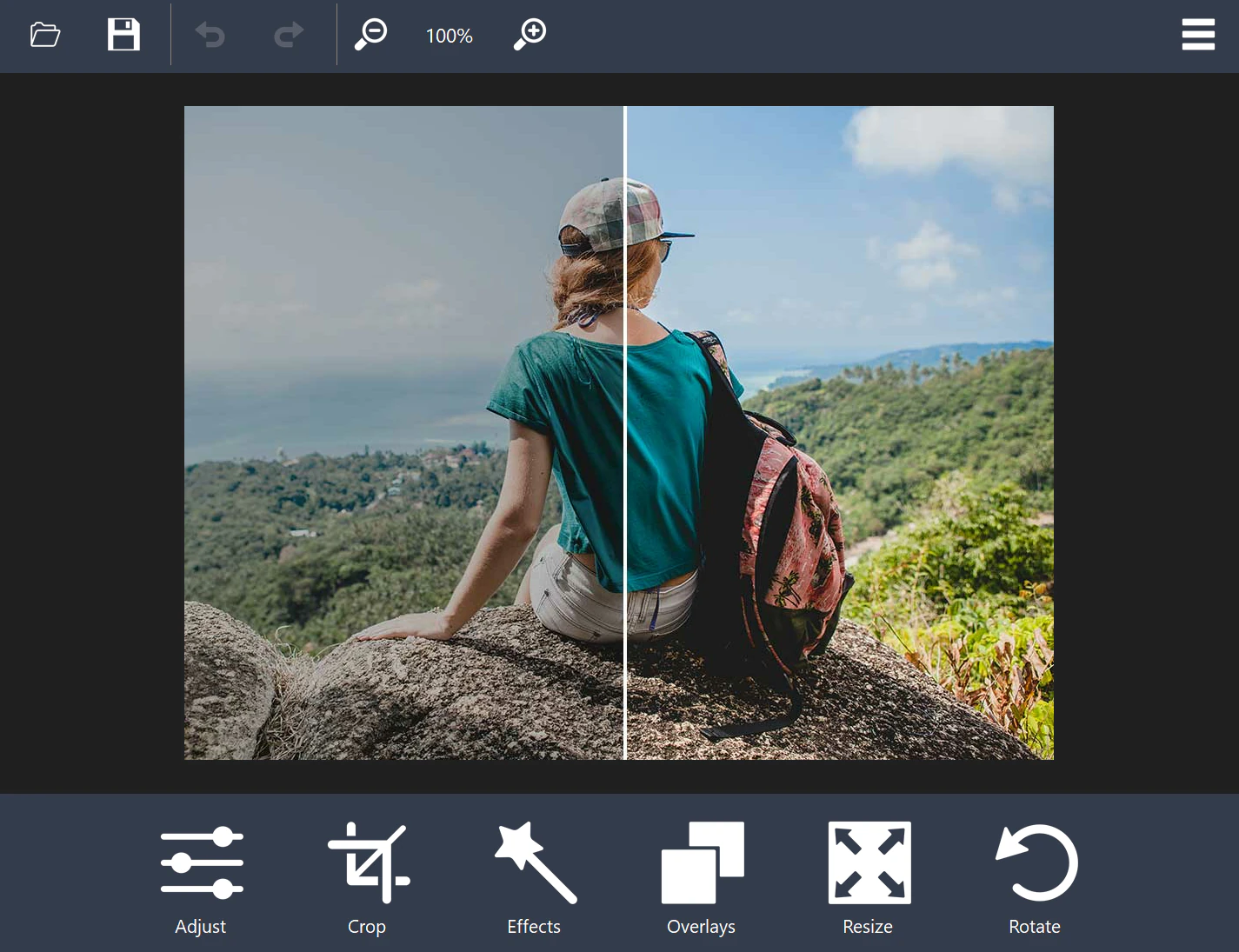
  • Photo Editor showing a before-and-after split view of a photo, with Adjust, Crop, Effects, Overlays, Resize, and Rotate tools
    Photo Editor app iconPhotos

    Photo Editor

    Edit, enhance, and transform your photos with intuitive tools for image adjustments, animated GIFs, slideshows, and batch conversion.

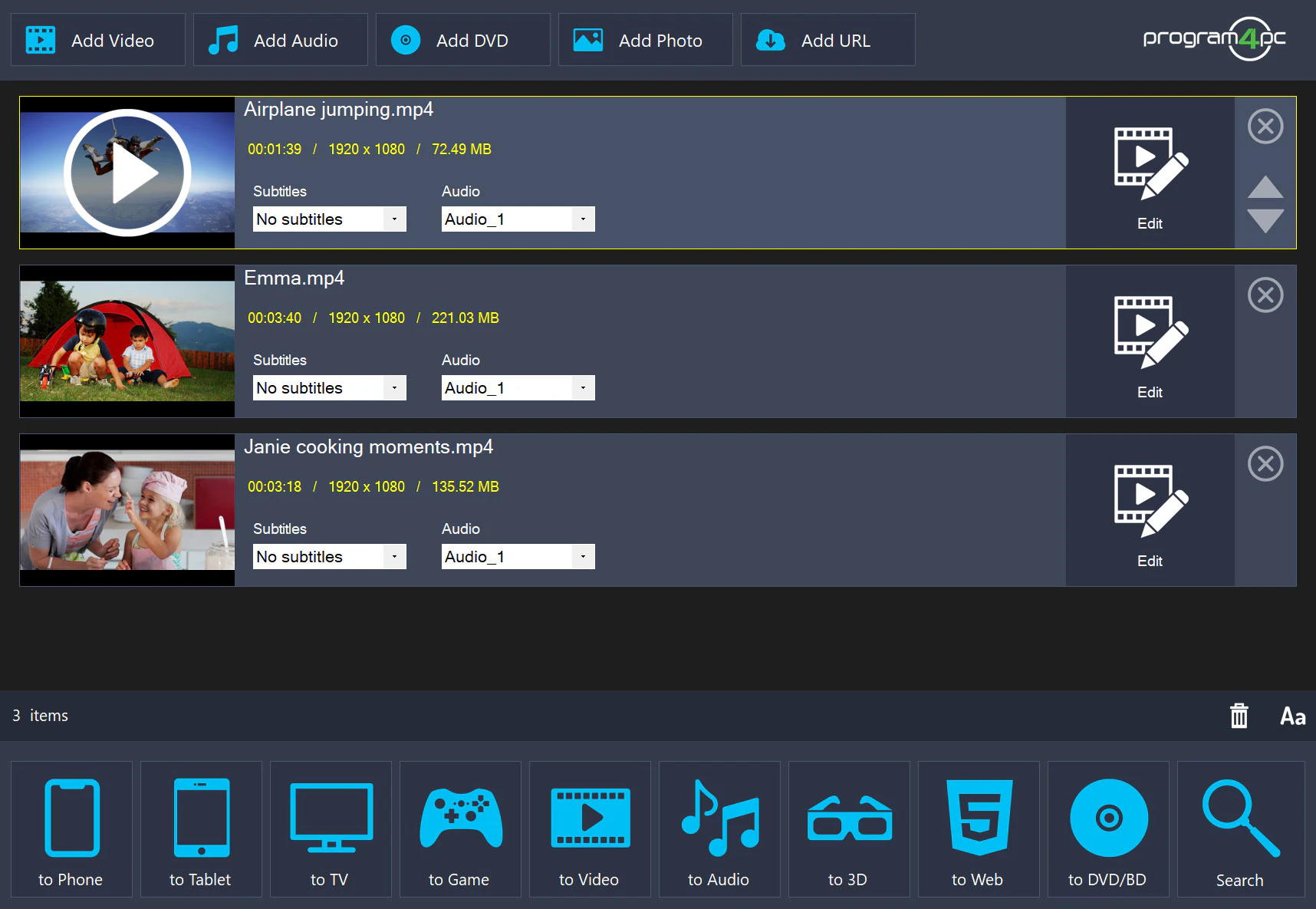
  • Video Converter Pro with three video files queued and output options for phone, tablet, TV, web, and DVD or Blu-ray
    Video Converter Pro app iconVideo

    Video Converter Pro

    Convert and edit videos, work with a wide range of formats, and create DVDs or Blu-ray discs in one Windows application.
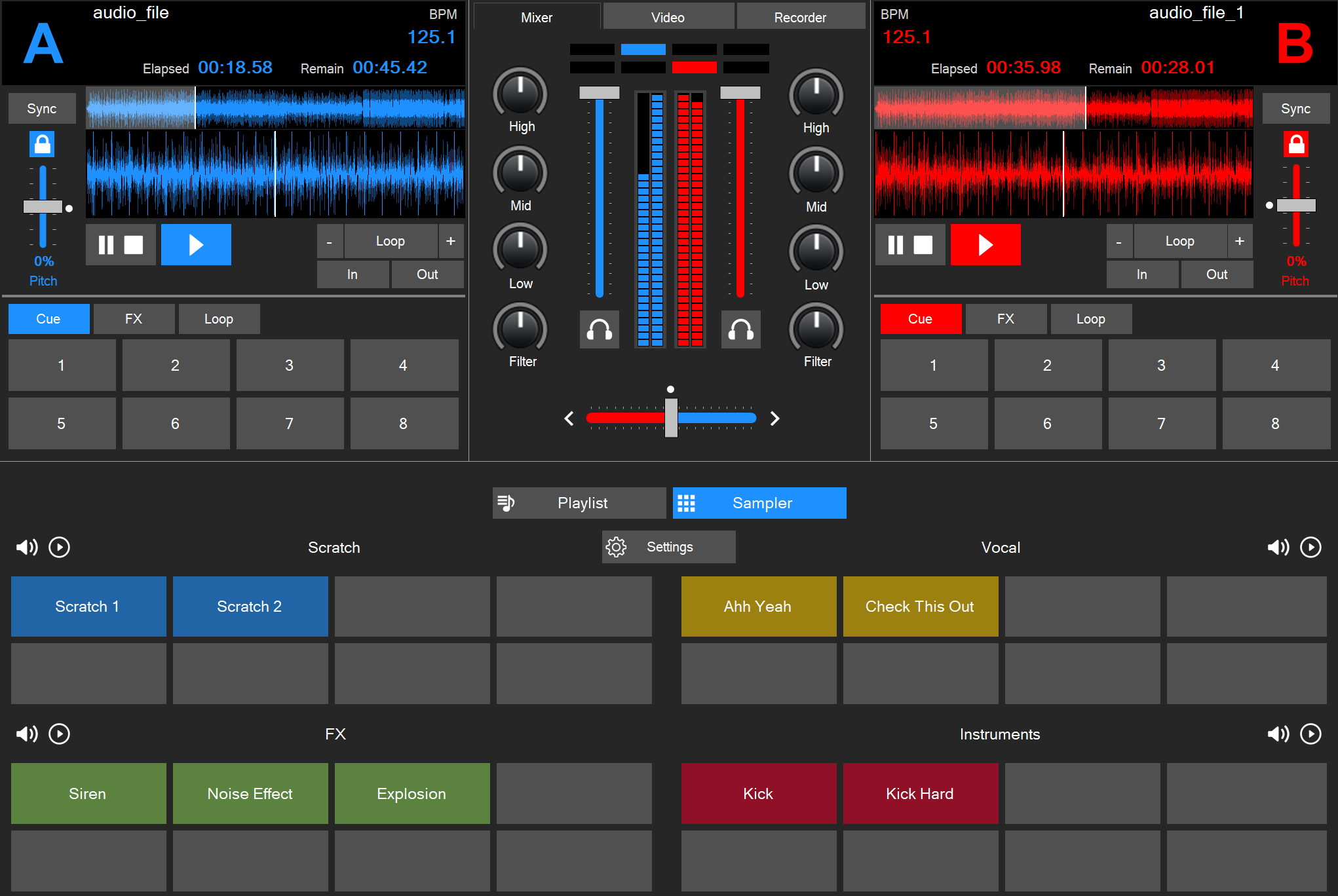

  • DJ Music Mixer with two decks showing waveforms and BPM, a central mixer with EQ knobs and crossfader, and a sampler pad grid
    DJ Music Mixer app iconMusic

    DJ Music Mixer

    Create smooth mixes with beat synchronization, looping, cue controls, audio effects, and sampler tools.

Get started with Audio Editor

Edit. Enhance. Create. Complete control over your sound.

Windows only